Interfaces
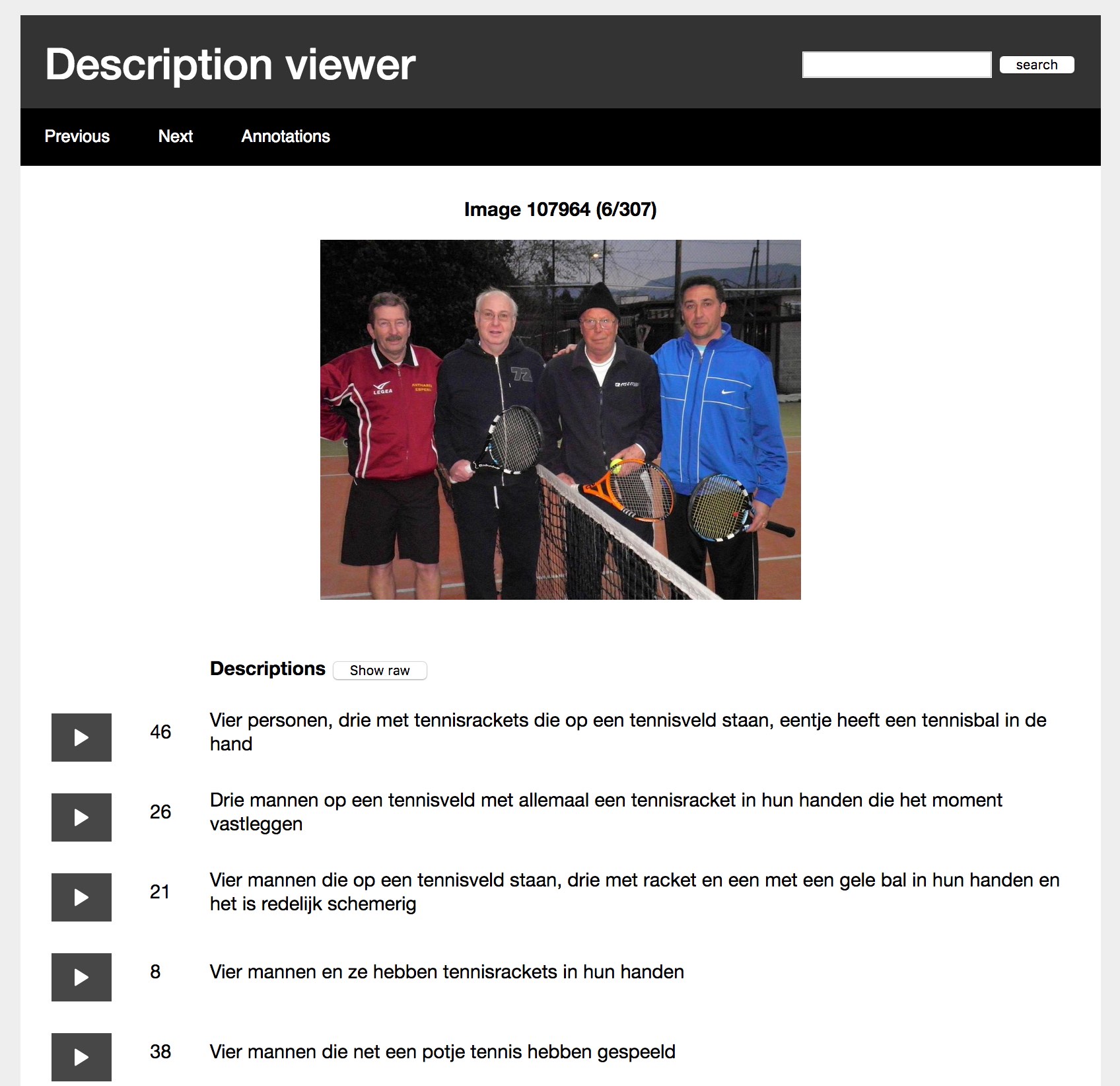
The dataset comes with two interfaces that were used to annotate and inspect the data. Both these tools were built using Flask, which means they work on every platform, in your favorite web browser. You can download them below (right click, save as).
- Download the tools pre-loaded with data here. (Reviewers, please choose this one.)
- Download the tools without any data here.
If you would also like to have the uncorrected automatic transcriptions to try out the annotation tool, download them here.
Requirements
- Python 3.6 or higher
- Flask 0.12
If you have no experience with Python, we highly recommend using the Anaconda distribution.
Annotation tool
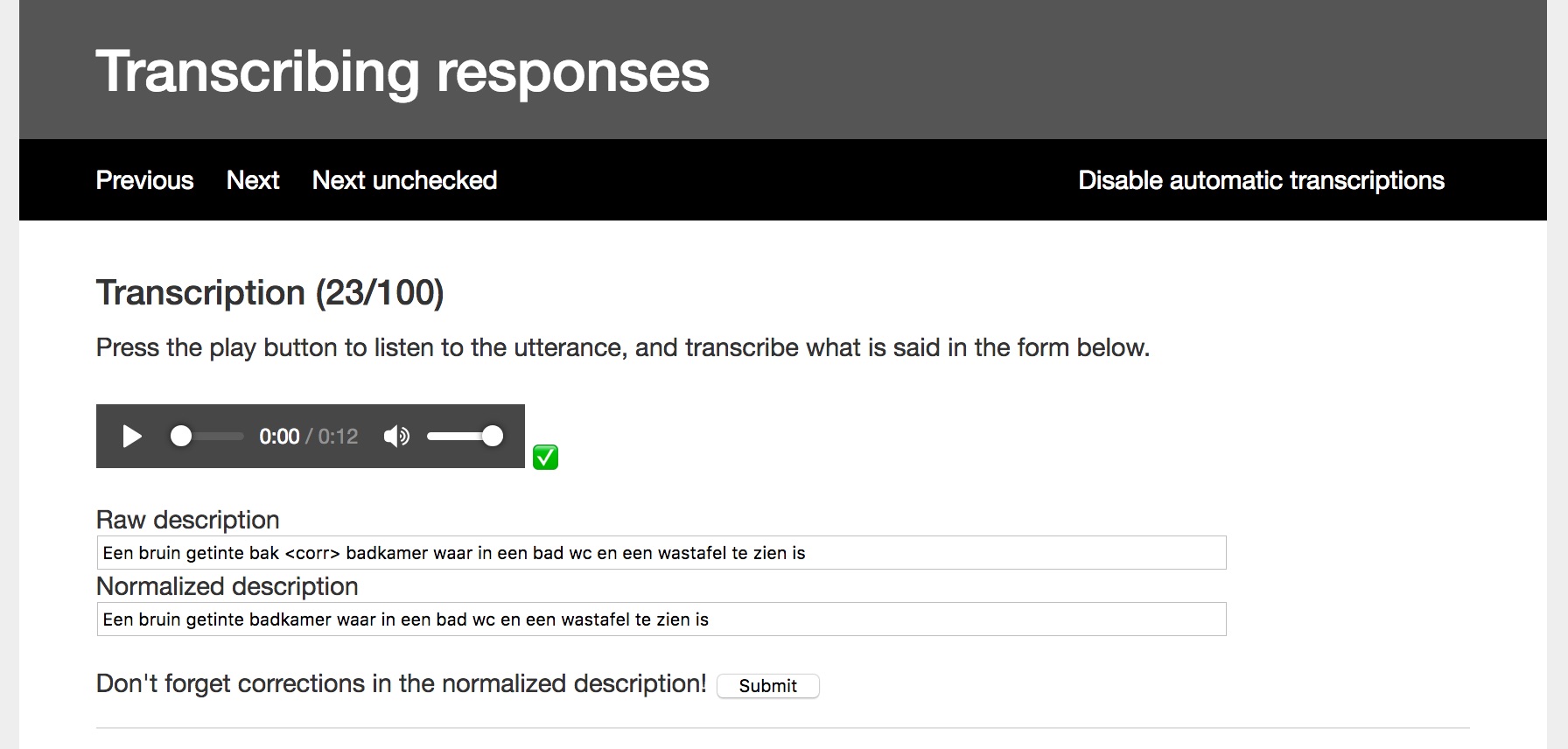
The annotation tool was used to manually transcribe and annotate the automatically generated transcriptions of the spoken descriptions.
Exploration tool
The exploration tool allows you to browse through the corpus, but also search for specific terms or annotations. If you search for a particular term, the screen will display the amount of hits, along with the first example. You can then browse through all the results. If you are done exploring the results, click "back to browse" to go back to browsing the entire corpus. Because the annotations take up a lot of space, they can be toggled on or off.